How to Download the App!
You’ll find direct download links in your welcome email.
Steps:
- Tap the Apple App Store or Google Play link.
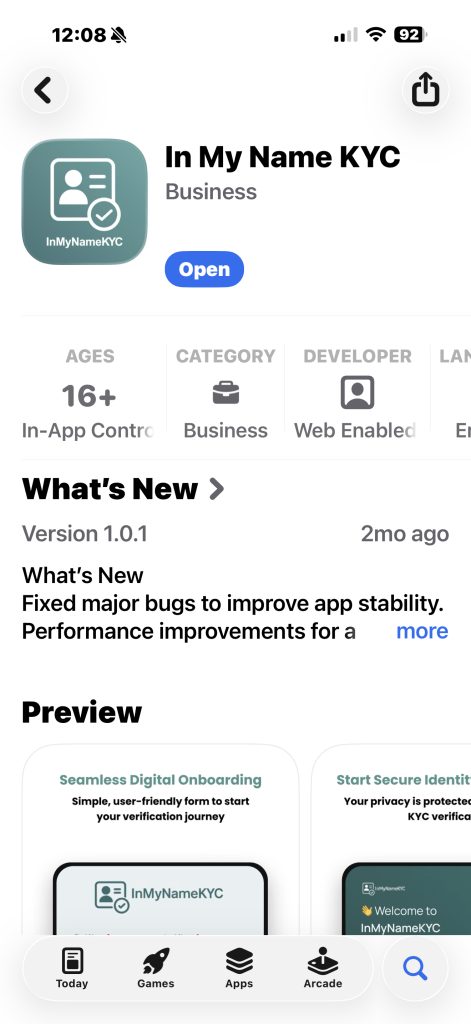
- Select Install on your device.
- Allow necessary permissions:
- Camera (for ID photos and selfie verification)
- Notifications (for status updates)
If you experience installation issues:
- Check that your operating system is up to date.
- Restart your device and try again.
- Contact your law firm if the link still fails.
Next step:
👉 Proceed to identity verification → Identity Verification: How to Pass First Time
Related articles:
• What Are Magic Links (and How They Keep You Secure)
• Starting Your Onboarding Journey
• Understanding Consent and Privacy
Need help?
👉 Troubleshooting Common Issues
👉 Contacting Support