Lets get Started!
Once installed, open the InMyNameKYC app.
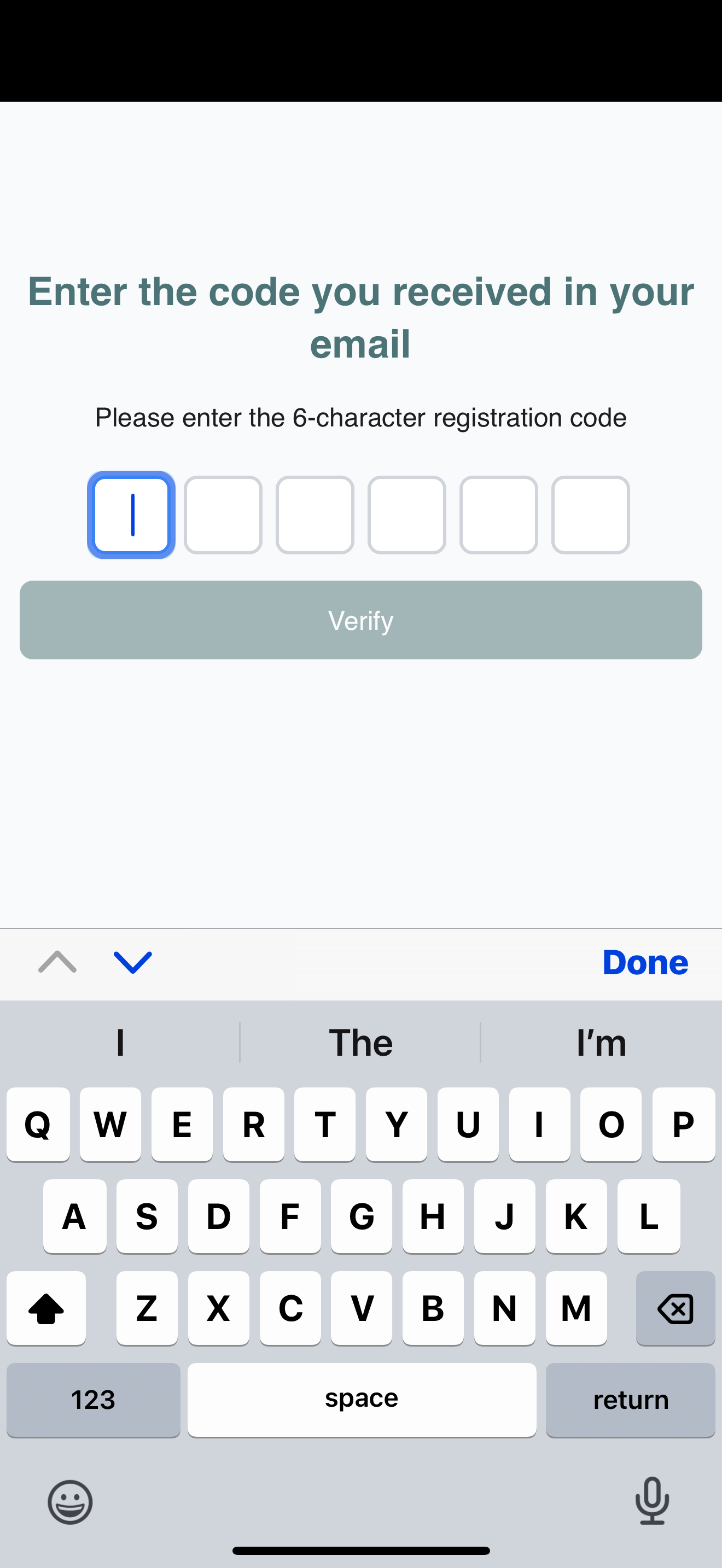
Step 1:
Enter the reference code from your welcome email — this securely connects your information to your law firm’s records.
Step 2:
Create your secure account. You’ll enter:
- Full name
- Date of birth
- Email address
- Postcode (with built-in postcode lookup)
Step 3:
Review your details carefully before continuing.
Tip: 💡 Double-check your email address — it’s used for secure communication!
Next step:
👉 Proceed to identity verification → Identity Verification: How to Pass First Time
Related articles:
• What Are Magic Links (and How They Keep You Secure)
• Starting Your Onboarding Journey
• Understanding Consent and Privacy
Need help?
👉 Troubleshooting Common Issues
👉 Contacting Support