Time to Sign!
After your identity is verified, you’ll be shown your onboarding documents:
- Terms of Business
- Client Care Letter
They open automatically in DocuSign for secure e-signature.
How to sign:
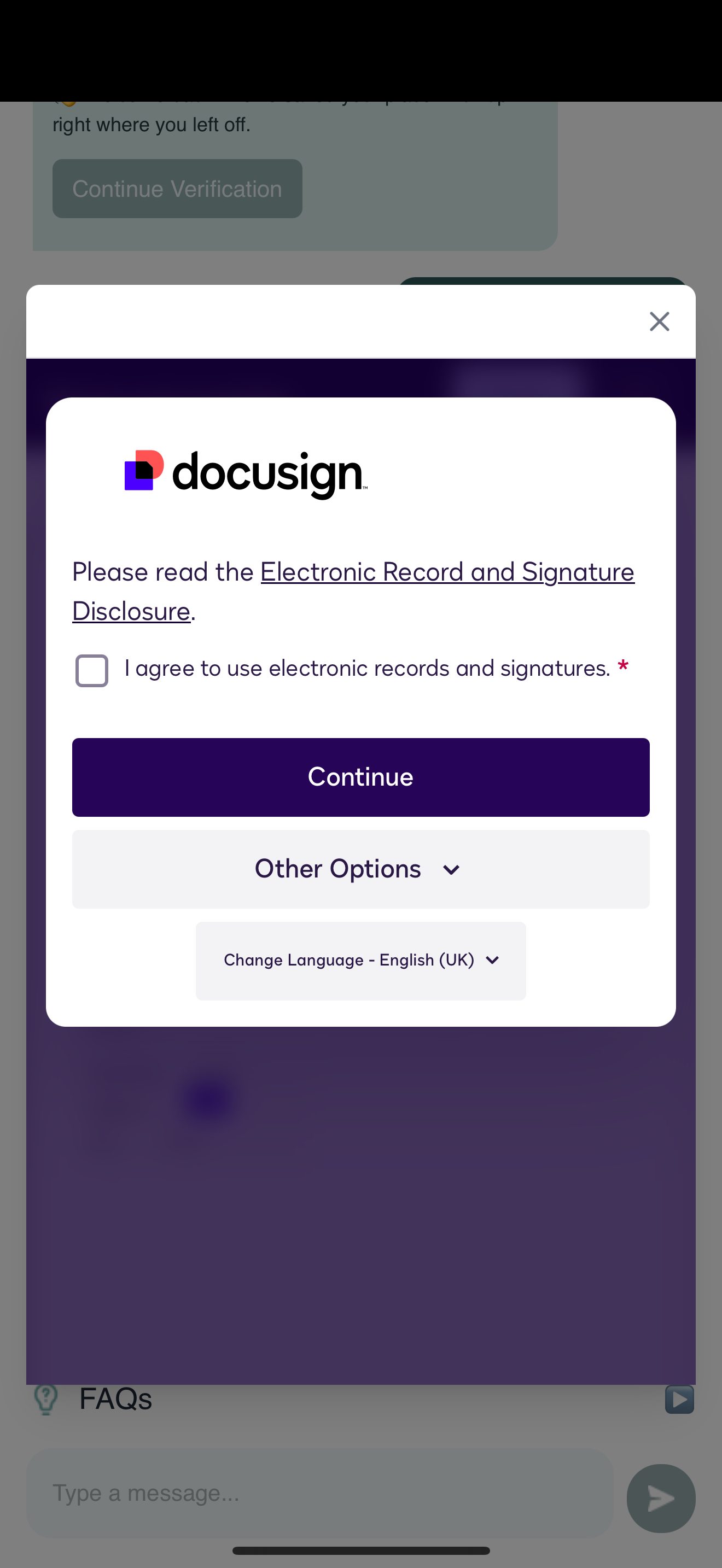
1.Tap the signature field.
2.Choose to sign with your finger, mouse, or a saved signature.
3.Review the full document before confirming.
4.Tap Finish.
Copies of signed documents are stored securely and emailed to both you and your law firm.
If unsigned after 24 hours, you’ll receive an automatic reminder.
Next step:
👉 Complete your payment → Making Your Secure Payment
Related articles:
• How Electronic Signatures Work (DocuSign)
• What Happens After You’re Verified
Need help?
👉 Troubleshooting Common Issues
👉 Contacting Support